Nuvvo POS
Retail point of sale for small and midsize businesses, connecting cashless checkout with stock updates in Nuvvo Omni or Nuvvo ERP.
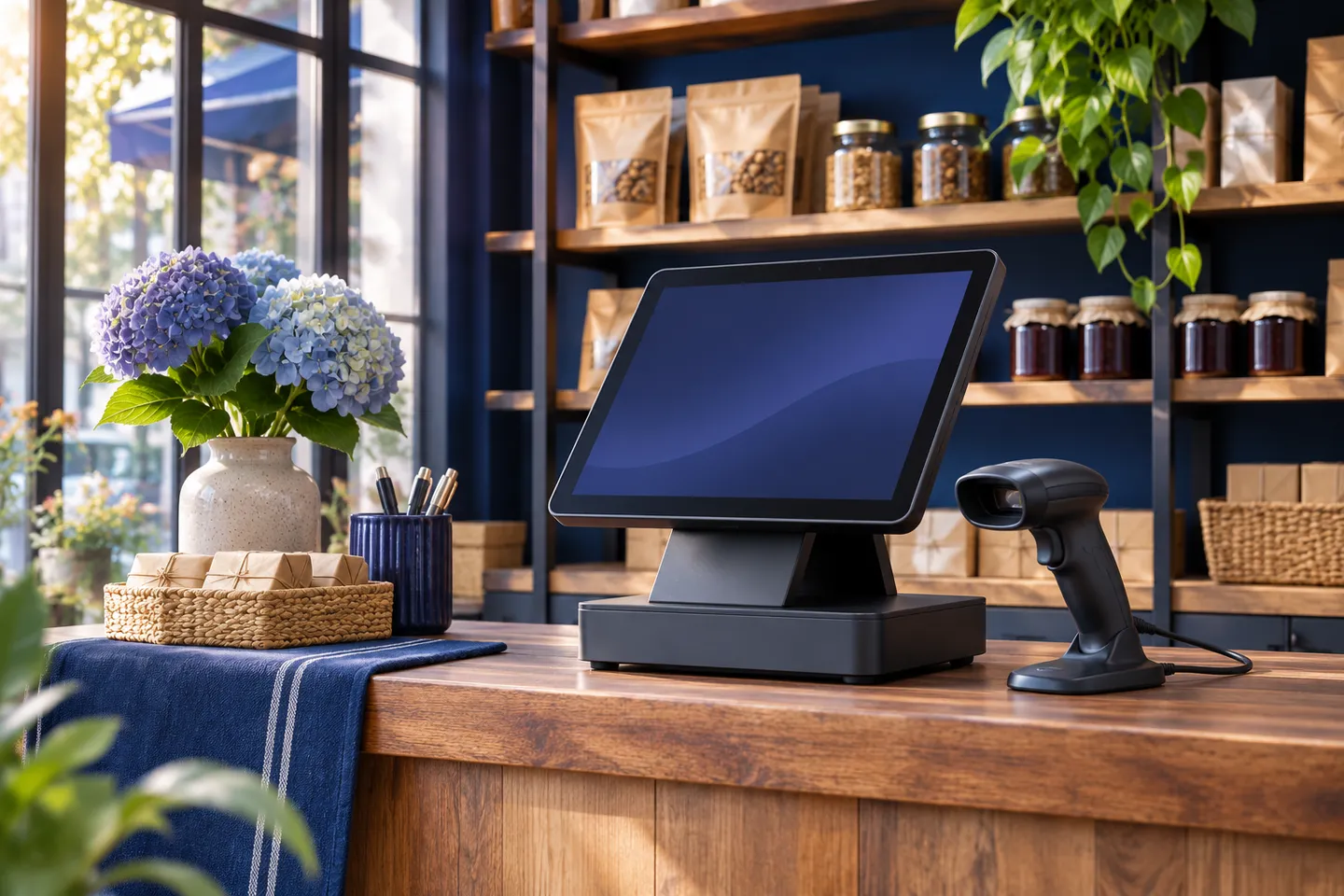
Take a sale at the point of service
Nuvvo POS supports cashless checkout for retail teams. Use an ordinary customer basket in a walkthrough so operators can review the steps from selecting the items to completing a sale.
Carry the sale through to inventory
A sale deducts stock and synchronizes the change to Nuvvo Omni or Nuvvo ERP. Follow one item through checkout and into the back-office record to see how front-of-house activity affects inventory.
Core POS and enterprise configuration
Nuvvo POS follows a freemium model with a core retail offering and dedicated enterprise configurations. Ask for the current inclusions, hardware compatibility and any payment-provider fees for your market before choosing a configuration.
Prepare a store walkthrough
Bring the number of locations and tills, your current inventory system and an example of a busy shift. If you already use Omni or ERP, identify where the inventory record is maintained and who reviews exceptions.
Discuss a retail configuration